Workflow Automation: How AI Converts Meetings Into Process Maps

Manual workflow documentation has always been one of the biggest bottlenecks in operations, consulting, and business analysis. Teams run meetings, workshops, and demos every day — but turning those conversations into structured process maps usually happens later, manually, and often never at all.

In 2026, that has changed.

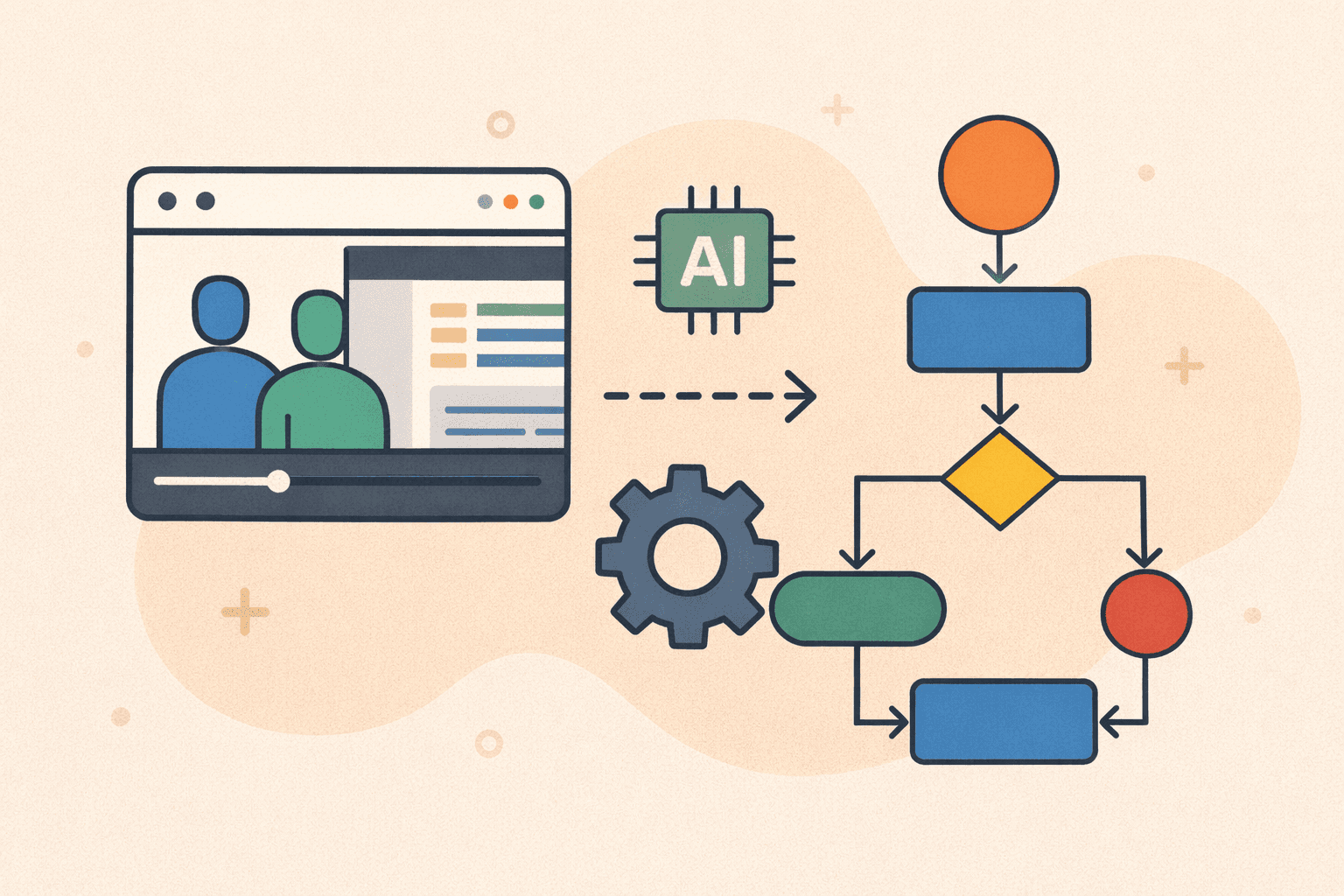
AI can now convert meeting recordings into process maps automatically, eliminating hours of repetitive work and creating documentation that stays accurate and up to date.

This article explains how AI workflow automation works, why it matters, and how teams are using it to transform meetings into visual process documentation instantly.


What Is Workflow Automation (In the Context of Documentation)?

Workflow automation traditionally refers to automating actions — approvals, triggers, tasks, and integrations.

But a new category has emerged:

Workflow documentation automation

This focuses on automating the creation of workflows, not just executing them.

Instead of manually:

  • Taking notes

  • Rewatching meetings

  • Writing SOPs

  • Drawing flowcharts

AI now:

  • Listens to meetings

  • Watches shared screens

  • Extracts steps and decisions

  • Builds process maps automatically

The result is a living, visual workflow created directly from how work actually happens.


Why Manual Process Mapping Fails at Scale

Most teams still rely on a manual approach to workflow mapping:

  1. Run a meeting or discovery session

  2. Someone takes notes

  3. A BA or ops lead rewatches the recording

  4. Steps are interpreted and rewritten

  5. A diagram is drawn in Lucidchart, Visio, or Miro

  6. Stakeholders review and request changes

This process is:

  • Time-consuming

  • Expensive

  • Error-prone

  • Subjective

  • Often delayed or skipped entirely

As a result:

  • Documentation becomes outdated

  • Processes differ from reality

  • Knowledge is lost when people leave

  • Teams stop trusting process docs

AI removes this friction entirely.


How AI Converts Meetings Into Process Maps

Modern AI workflow tools use a combination of video analysis, audio understanding, and UI detection.

Here’s how the process works step by step.

1. AI Ingests the Meeting Recording

The workflow starts with a recorded meeting, such as:

  • Microsoft Teams

  • Zoom

  • Google Meet

  • Loom

  • Screen recordings

  • Training walkthroughs

Instead of treating the video as passive content, the AI treats it as structured data.

2. AI Listens to Spoken Instructions

AI analyses the audio track to detect:

  • Step-by-step explanations

  • Sequential actions (“first… then… next…”)

  • Conditional language (“if this happens…”)

  • Exceptions and edge cases

  • Clarifying questions and answers

This is critical because many workflows are explained verbally, even when actions happen on screen.

3. AI Watches the Shared Screen

At the same time, the AI analyses the video frames to detect:

  • Button clicks

  • Menu navigation

  • Page transitions

  • Form entries

  • Tool usage

  • System changes

This removes ambiguity and ensures the workflow reflects what actually happened, not just what was said.

4. AI Identifies Workflow Structure

Using both audio and visual signals, the AI identifies:

  • Start and end points

  • Sequential steps

  • Parallel actions

  • Decision points

  • Branches

  • Loops and repeated actions

  • Roles or actors

This is the same mental model a business analyst uses — but executed automatically.

5. AI Generates the Process Map

The output is a structured process map, such as:

  • A flowchart-style diagram

  • A workflow diagram

  • A BPMN-style process map

  • A linked SOP with screenshots

Because it’s generated from the meeting itself, the process map reflects real behaviour, not assumptions.


What Makes AI Workflow Automation Different

Traditional workflow tools require you to design a process.

AI workflow documentation tools:

  • Observe the process

  • Extract the workflow

  • Document it automatically

This shift changes everything.


Traditional Workflow Mapping

AI Workflow Mapping

Manual note-taking

Automatic extraction

Interpretation-based

Evidence-based

Time-consuming

Near-instant

Often outdated

Generated from reality

Separate SOP + diagram tools

Unified output


Use Cases Where AI Workflow Mapping Excels

1. Business Analysis & Discovery

BAs can generate process maps directly from stakeholder workshops without rewriting everything afterward.

2. Operations & Process Improvement

Ops teams can document “as-is” workflows before optimising them.

3. Software Implementation Projects

ERP, CRM, or system rollouts benefit from accurate, visual workflows generated from demos.

4. Training & Onboarding

New hires see exactly how tasks are performed, step by step, with visuals.

5. Consulting & Client Delivery

Consultants can deliver SOPs and process maps immediately after meetings.


From Meetings to Executable Workflows

One of the biggest advantages of AI-generated process maps is that they create a bridge between documentation and automation.

Once workflows are structured:

  • They can be reviewed

  • Improved

  • Standardised

  • Automated in tools like Zapier, Make, or BPM engines

Documentation becomes the foundation for automation, not an afterthought.


Why This Matters for Knowledge Retention

Meetings are where knowledge is shared — but historically, that knowledge disappears once the call ends.

AI workflow documentation ensures:

  • Institutional knowledge is preserved

  • Processes remain consistent

  • Teams scale without tribal knowledge

  • Documentation stays current

This is especially critical in fast-growing teams and regulated environments.


How LimeSync Enables AI Workflow Automation

LimeSync combines:

  • Meeting analysis

  • Screen capture

  • AI step extraction

  • SOP generation

  • Process flow creation

From a single recording, LimeSync generates:

  • A step-by-step SOP

  • Screenshots at each step

  • A process flow diagram

  • BPMN-style workflows (beta)

No manual work required.

This makes it one of the first platforms to truly automate workflow documentation, not just workflow execution.


Best Practices to Get the Best Process Maps

To maximise accuracy:

  • Share your screen clearly

  • Narrate actions as you perform them

  • Keep workflows contained per meeting

  • Avoid jumping between unrelated tasks

  • Summarise decisions verbally

These small habits dramatically improve AI extraction quality.


The Future of Workflow Automation

We’re moving toward a world where:

  • Meetings automatically become documentation

  • SOPs are generated in real time

  • Process maps update themselves

  • Knowledge never gets lost

Workflow automation is no longer just about execution — it’s about understanding how work actually happens.


Learn More: Video-to-Process Documentation

If you want a full breakdown of how meetings, videos, SOPs, and process diagrams come together, read our complete guide:

👉 Video-to-Process Documentation: The Complete Guide to SOPs, Workflow Diagrams & BPMN Automation