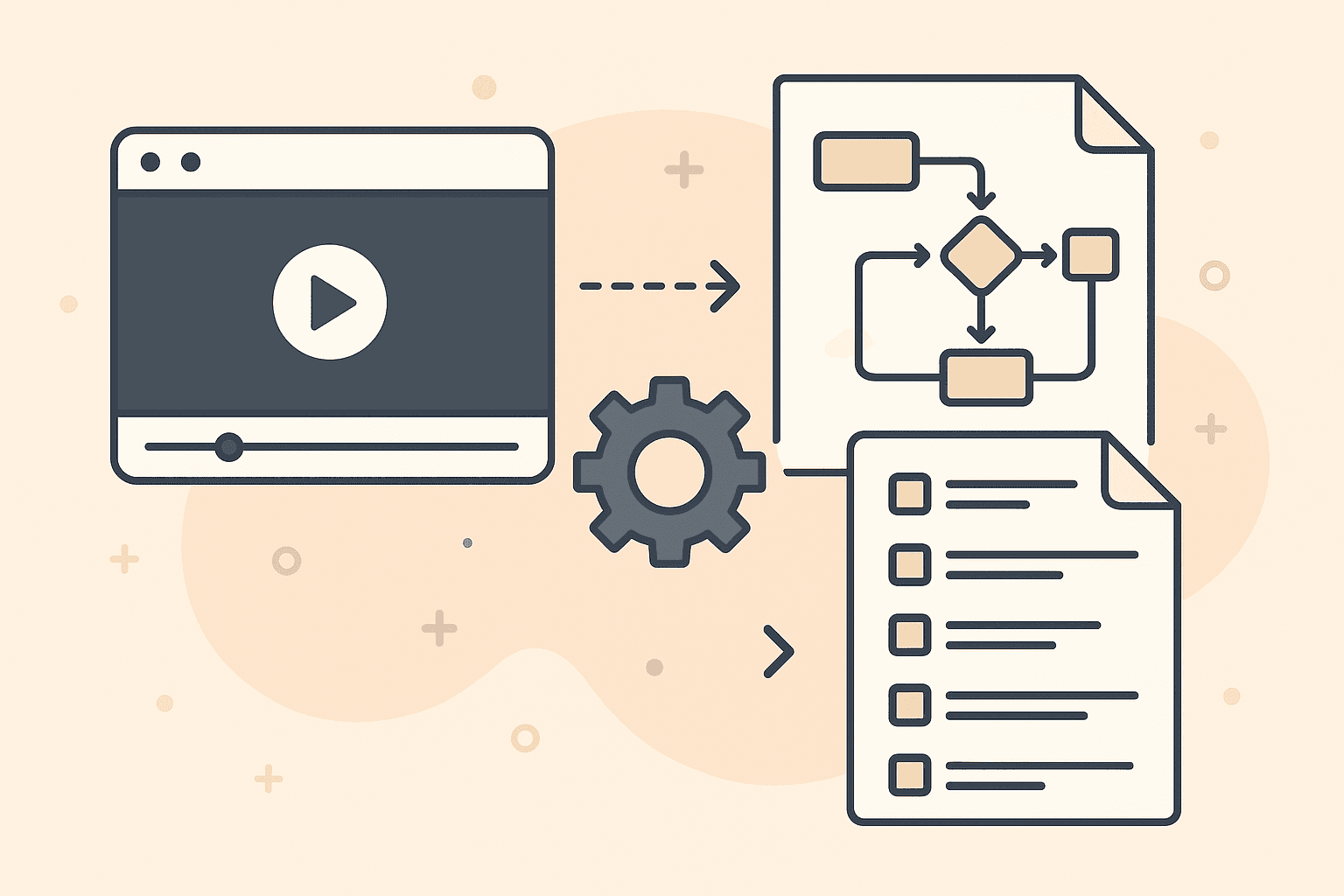
Video-to-Process Documentation: The Complete Guide to SOPs, Workflow diagrams & BPMN Automation

Turn Any Meeting or Video Into SOPs, Process Flows, and BPMN Diagrams — Instantly
AI-powered documentation is here. Learn how teams are eliminating manual process writing forever.
Table of Contents
What Is Video-to-Process Documentation?
Why Traditional Process Mapping Is Broken
How AI Turns Meetings Into SOPs & Process Flows
The Rise of Instant BPMN & Workflow Diagram Generation
Benefits for Business Analysts, Ops Teams & Consultants
Real-World Examples (With Before/After)
Tools That Support Video-to-Process Documentation
How LimeSync Works (Step-by-Step)
Comparison: Manual Tools vs Instant AI Tools
Best Practices for Capturing Meetings
FAQ
Try LimeSync Free
1. What Is Video-to-Process Documentation?
Video-to-process documentation is the ability to:
Record a meeting
Upload the video
Automatically generate:
Step-by-step SOPs
Process flow diagrams
BPMN-style workflow maps
Summaries, decisions, screenshots, tasks
No manual writing. No diagram building. No pausing and typing.
This new category of tooling sits between:
SOP builders (Trainual, Scribe, Loom)
Process diagram tools (Lucidchart, Visio, Miro)
Meeting intelligence tools (Fireflies, Fathom, Otter)
But unlike those tools, it does three jobs in one.
2. Why Traditional Process Mapping Is Broken
Most teams document processes manually:
Taking screenshots
Rewatching recordings
Drawing diagrams
Writing SOPs step by step
This leads to:
❌ Hours of wasted time
❌ Inconsistent documentation
❌ Outdated SOPs
❌ Lack of adoption
❌ Lost knowledge
Companies hire BAs and consultants just to extract process steps.
Manual process mapping is slow, expensive, and error-prone.
3. How AI Turns Meetings Into SOPs & Process Flows
AI can now:
Identify every step taken in a meeting
Pull screenshots automatically
Detect decisions, conditions, exceptions
Convert actions into structured workflows
Output both SOPs and flow diagrams in one pass
The Core Workflow:
Import a video (Teams, Zoom, Loom, Google Meet)
LimeSync analyses participants, shared screen, and actions
AI extracts steps + screenshots
AI builds a structured SOP
AI generates a process flow diagram
Optional: converts the workflow into BPMN-style output
This is why organizations are replacing traditional mapping tools.
4. The Rise of Instant BPMN & Workflow Diagram Generation
BPMN has traditionally been:
Hard to learn
Slow to create
Rarely updated
Used mostly by BAs or consultants
Now:
Any meeting can produce a BPMN-like diagram
AI understands sequences, decisions, loops, actors
Stakeholders finally get visual documentation they understand
This is exceptionally popular with:
Business Analysts
Process Engineers
IT Implementation Teams
Project Managers
Consulting Firms
The barrier to BPMN is gone.
5. Benefits for Business Analysts, Ops Teams & Consultants
🚀 Productivity
Reduce a 3-hour documentation task to seconds.
🎯 Accuracy
AI extracts steps directly from the screen — no interpretation errors.
🧭 Clarity
Visual diagrams make processes immediately understandable.
🔄 Consistency
Standardized outputs across every customer or project.
🧩 Better onboarding
New hires see exactly how tasks are performed — with screenshots and flow diagrams.
💰 Reduced cost
Companies don’t need separate tools for SOPs, diagrams, and transcripts.
6. Real-World Examples (Before/After)
Example 1: Onboarding Workflow From a Zoom Call
Before: 3 hours of manual notes and diagramming
After: SOP + flow diagram in < 60 seconds
Example 2: ERP Demonstration → Full BPMN Map
Perfect for BAs presenting to stakeholders.
Example 3: Customer Support Training
Processes become standardized without extra work.
7. Tools That Support Video-to-Process Documentation
Most market tools only do one of the following:
Tool | SOPs | Process Flows | BPMN | Video Input | Automatic Screenshots |
|---|---|---|---|---|---|
Loom | ❌ | ❌ | ❌ | ✅ | ❌ |
Scribe | ✅ | ❌ | ❌ | ❌ | ❌ |
Trainual | ✅ | ❌ | ❌ | ❌ | ❌ |
Lucidchart | ❌ | ✅ | Limited | ❌ | ❌ |
Visio | ❌ | ✅ | Limited | ❌ | ❌ |
LimeSync | ✅ | ✅ | ✅ | ✅ | ✅ |
LimeSync is the only tool combining all of them.
8. How LimeSync Works (Step-by-Step)
1. Upload your meeting or recorded video
Teams, Zoom, Google Meet, Loom, Jira, etc.
2. LimeSync analyses:
Screen activity
Spoken instructions
UI gestures
Participant actions
3. AI extracts:
Screenshots
Steps
Decisions
Branches
Actors
Tools used
4. AI auto-generates:
A clean SOP
A process flow diagram
A BPMN-style map (if enabled)
This saves hours for every meeting your team records.
9. Manual Tools vs Instant AI Tools
Criteria | Manual Tools | AI Tools (Like LimeSync) |
|---|---|---|
Time | Hours | Seconds |
Accuracy | Human error | Screen-based extraction |
Flow diagrams | Manually drawn | Auto-generated |
SOP writing | Manual | AI-written |
Scalability | Low | Unlimited |
Cost | High labour cost | Low subscription/usage |
Automation wins in every category.
10. Best Practices for Capturing Meetings
To get the best flow diagrams:
Share your screen clearly
Narrate steps as you go
Keep each part of the process contained
Use high-resolution recordings
End with a recap (AI picks this up strongly)
11. FAQ
Does LimeSync support multi-participant meetings?
Yes — shared screens + speaker context are both analysed.
Can anyone trigger the SOP/flow creation?
Yes. Any participant or admin can upload the recording.
Do you support exporting diagrams?
Yes — PNG, PDF, and BPMN-style exports are in progress.
How much does it cost?
Starts at $20 for 180 minutes or ~$0.20 per minute for enterprise.
12. Try LimeSync Free
Generate Your First SOP & Process Diagram
Takes under 60 seconds. No credit card required.