From Process Maps to Action: What to Do After You Document a Workflow

James Christie
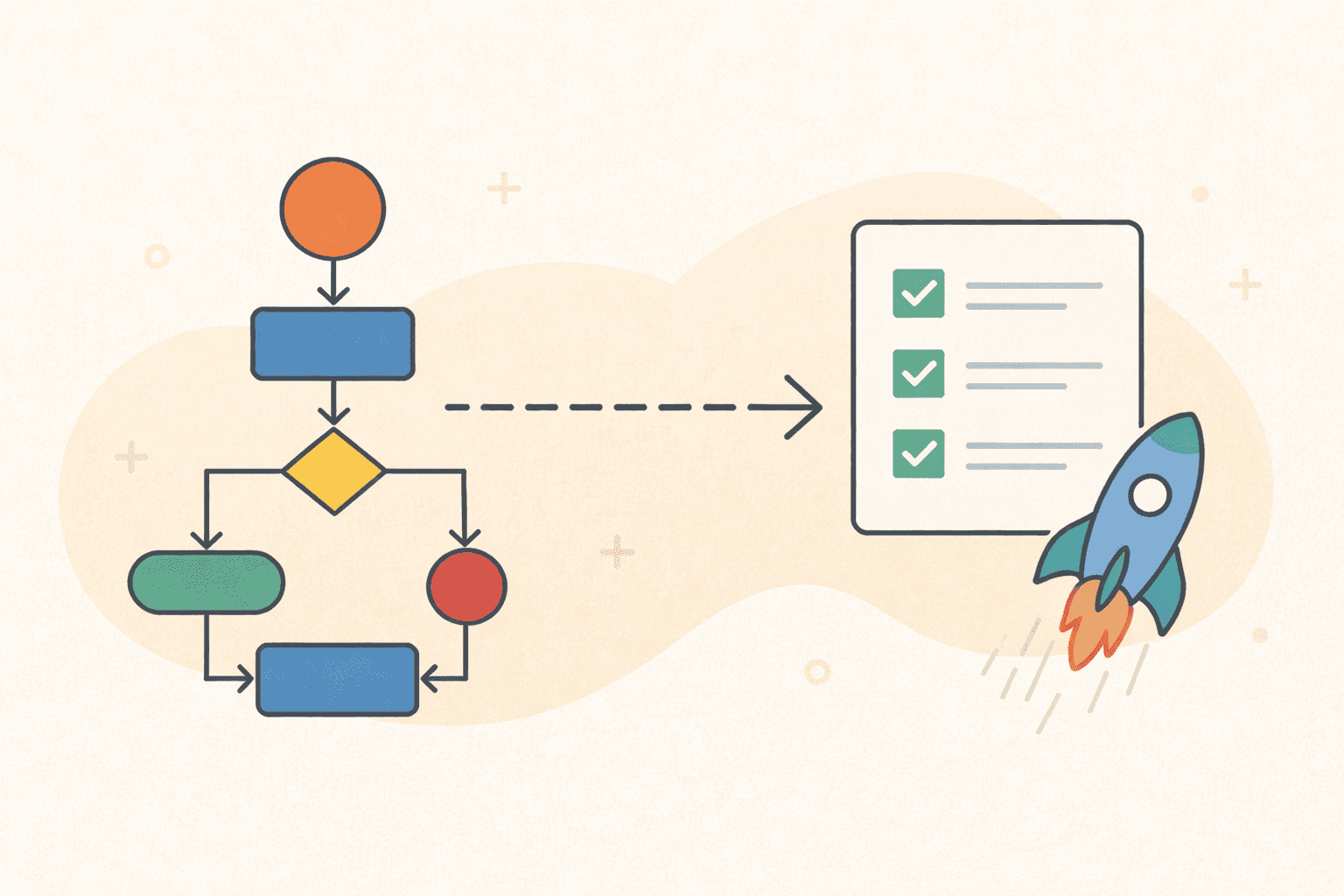
Documenting a workflow is a major milestone — but it’s not the finish line.
Many teams stop once a process map or SOP exists, only to realise weeks later that:
Nothing actually changed
The process still isn’t followed
The documentation is already outdated
So what should happen after a workflow is documented?
This guide walks through what to do next, how leading teams turn process maps into action, and why the way documentation is created (manually vs automatically) makes all the difference.
Why Process Documentation Alone Isn’t Enough
Process maps are often treated as a deliverable:
“The workflow is documented — job done.”
In reality, documentation is only valuable if it leads to:
Better execution
Better decisions
Better outcomes
Without a follow-up plan, most process documentation ends up:
Sitting in Confluence or Drive
Ignored by teams
Outdated within weeks
The problem isn’t the documentation — it’s what happens after.
Step 1: Validate the Process With the People Who Do the Work
The first step after documenting a workflow is validation.
Even well-documented processes can fail if:
Steps were misunderstood
Edge cases were missed
Reality differs from assumptions
What to do:
Share the process map with frontline users
Walk through it step by step
Ask: “Is this how you actually do it?”
This is where auto-generated workflows shine.
When a process map is created directly from a meeting or walkthrough, validation becomes easier because:
It reflects real actions
Screenshots provide context
There’s less interpretation
Step 2: Identify Bottlenecks, Duplications, and Gaps
Once validated, the process map becomes a diagnostic tool.
Look for:
Unnecessary handoffs
Repeated approvals
Manual steps that could be automated
Decision points that cause delays
Steps that only exist “because they always have”
Visual workflows make these issues obvious in a way written SOPs never do.
This is often where teams realise:
“We don’t need to optimise yet — we need to simplify.”
Step 3: Decide What Type of Process You’re Dealing With
Not all workflows should be treated the same.
After documentation, classify the process:
1. Stable, repeatable processes
Examples:
Onboarding
Compliance tasks
Finance operations
Customer support flows
These should be:
Standardised
Locked down
Trained consistently
2. Evolving or exploratory processes
Examples:
Sales discovery
Product development
Early-stage operations
These should be:
Lightly documented
Easy to update
Treated as living workflows
This distinction matters because it determines how strict your SOPs and controls should be.
Step 4: Assign Ownership (This Is Where Most Teams Fail)
A documented process without an owner will decay.
Every workflow should have:
A clear owner
A review cadence
An update trigger
Ownership answers:
Who updates this when tools change?
Who approves improvements?
Who ensures people follow it?
AI-generated documentation makes ownership easier because:
Updates are faster
Re-documentation isn’t painful
Processes can be regenerated from new recordings
Step 5: Turn Documentation Into Training
Process maps become truly valuable when they’re used to onboard and train.
Instead of:
Long shadowing periods
Tribal knowledge
“Just ask Sarah”
You get:
Visual walkthroughs
Step-by-step SOPs
Screenshots tied to real actions
This dramatically reduces:
Time to productivity
Training inconsistency
Dependency on individuals
When workflows come directly from recorded meetings or demos, training content stays grounded in reality.
Step 6: Decide What Can Be Automated
Once a process is clearly mapped, automation decisions become obvious.
Look for steps that are:
Repetitive
Rule-based
Low judgement
System-to-system
These are ideal candidates for:
Workflow automation tools
Integrations
AI assistance
Importantly, automation should come after documentation, not before.
Trying to automate an undocumented or misunderstood process usually makes things worse.
Step 7: Keep the Workflow Alive
The biggest difference between high-performing teams and everyone else isn’t better documentation — it’s continuous updating.
Processes change when:
Tools change
Teams grow
Regulations evolve
Customers behave differently
The easiest way to keep workflows current is to:
Regenerate documentation from updated meetings
Capture new walkthroughs
Replace outdated SOPs instead of editing them manually
This is where AI-driven documentation fundamentally changes the game.
Why Auto-Generated Process Maps Lead to Action
Traditional process documentation is expensive to maintain, so teams avoid updating it.
When documentation is:
Fast to create
Easy to regenerate
Based on real behaviour
It becomes something teams actually use.
Platforms like LimeSync make this possible by turning:
Meetings
Walkthroughs
Screen recordings
into:
SOPs
Process flow diagrams
Visual workflows
all in one step.
This removes the friction that usually stops documentation from turning into action.
From Documentation to Execution
Process maps aren’t the goal — better execution is.
The teams that get value from documentation:
Validate it
Improve it
Assign ownership
Use it for training
Keep it current
When documentation is automated, this cycle becomes sustainable.
Learn More
If you want to understand how meetings and videos can be converted directly into SOPs and process diagrams, read our full guide:
👉 Video-to-Process Documentation: The Complete Guide to SOPs, Workflow Diagrams & BPMN Automation