From Static Docs to a Living AI Knowledge Base: The Missing Layer in Enterprise Operations

James Christie
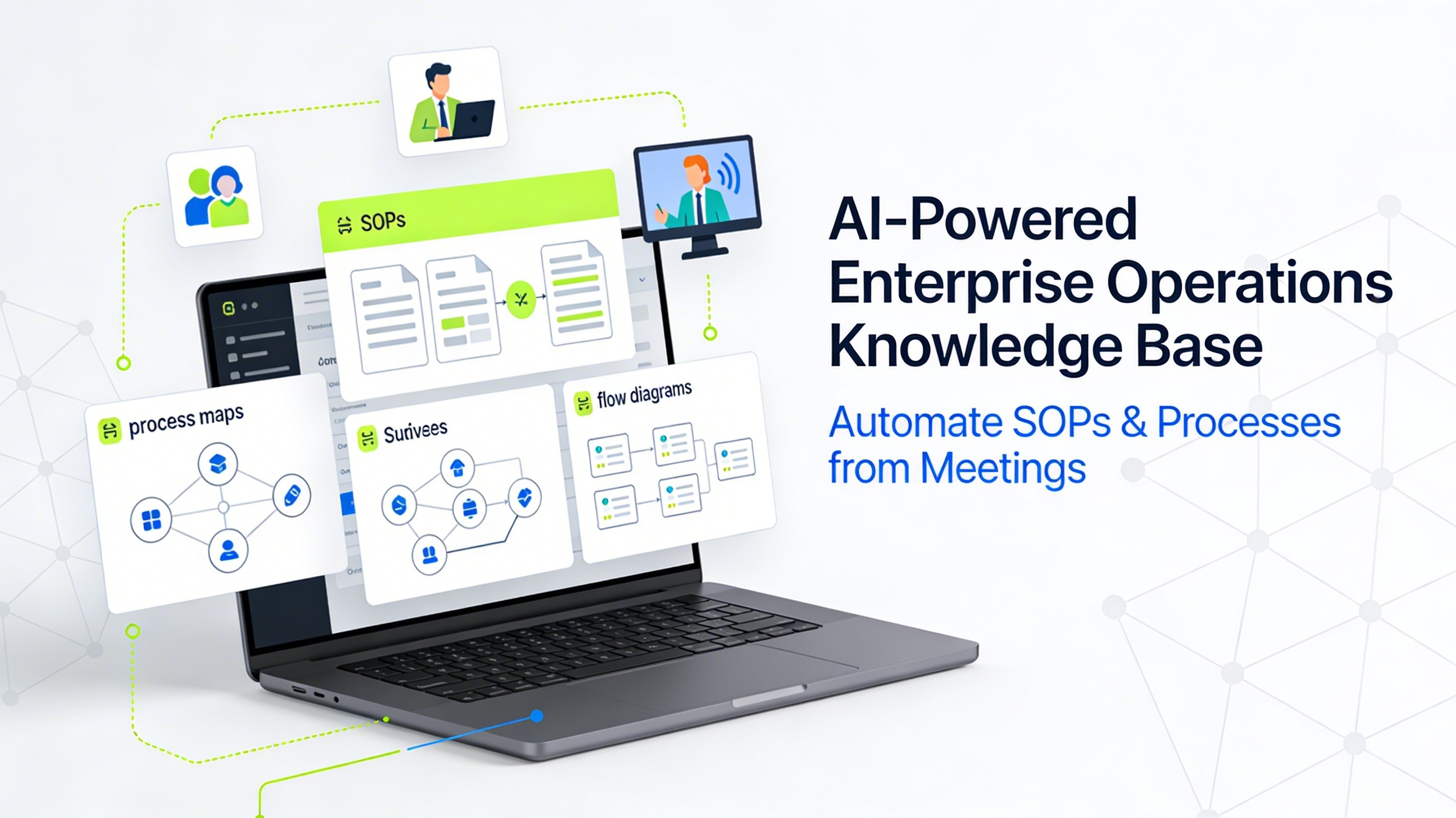
Everyone wants an AI knowledge base that can answer any question about their business on demand. Tools promise “ask anything” chat for your SOPs, tickets, and documents. But in most enterprises, the underlying documentation is fragmented, outdated, or missing altogether.
The result: leaders invest in AI search, copilots, and hyperautomation, only to discover that the real blocker lives one layer down—nobody has a current, trusted view of how work actually gets done across systems, teams, and regions.
If you want an AI knowledge base that actually moves the needle, you don’t start with search. You start with the source of truth: living process documentation.
What Is an AI Knowledge Base (Really)?
At its simplest, an AI knowledge base is a central repository of company knowledge that uses machine learning to:
Understand natural language questions.
Retrieve relevant content across many formats and systems.
Generate tailored answers instead of just showing a list of links.
Modern platforms use techniques like semantic search, embeddings, and retrieval‑augmented generation (RAG) so an AI assistant can pull the right snippets from your docs and assemble a contextual answer.
But underneath the fancy retrieval stack, you still need:
Clear, accurate SOPs and troubleshooting guides.
Up‑to‑date process documentation.
Content that’s structured enough for AI to reason over.
Without that, you get confident‑sounding but shallow answers from your AI assistant—because it’s reasoning over noise.
The Hidden Problem: Your Documentation Was Never Built for AI
Most organizations still document work using a patchwork of tools: screen‑capture SOP generators, BPM suites, and generic meeting transcription apps.
Each solves one part of the problem, but none create a single, living source of truth:
Screen‑capture SOP tools show what’s on the screen, but miss business rules, decisions, and exceptions discussed in the meeting.
BPM tools model ideal‑state diagrams, but require specialist time and rarely reflect messy real‑world operations.
Transcription tools convert speech to text, but don’t understand the UI, system steps, or branch logic.
For AI and automation teams, that means every initiative starts with weeks of manual work to translate meetings and recordings into PDDs, SOPs, and process maps—before any real build or AI knowledge base deployment can begin.
Why Living Process Documentation Is the Foundation of an AI Knowledge Base
Industry research around hyperautomation and enterprise AI rollouts points to the same pattern: organizations are investing aggressively in AI, but business impact lags when core processes and documentation are incomplete or outdated.
To unlock AI at scale, you need a living layer of process documentation that:
Captures how work actually happens today, not just “ideal flows”.
Updates itself as processes change.
Is structured so AI systems and automation platforms can consume it directly.
Practically, that means a system which can:
Ingest meetings, trainings, and walkthrough videos from tools like Zoom, Teams, Loom, and internal recordings.
Watch the screen and listen to the conversation at the same time, detecting steps, decisions, branches, and roles.
Generate delivery‑ready SOPs, process maps, and PDD‑style documents using your templates.
Keep everything in a searchable, versioned knowledge base that evolves with every new recording.
That “work graph” becomes the backbone of your AI knowledge base—every answer your AI gives is grounded in real, continuously updated process knowledge instead of stale documentation.
How LimeSync Turns Raw Work into an AI‑Ready Knowledge Base
This is exactly the gap LimeSync was built to close.
Instead of asking analysts to write SOPs after the fact, LimeSync captures real work as it happens—through walkthroughs, meetings, and screen recordings—and turns it into structured documentation automatically.
Here’s how it works at a high level:
Capture
Record a client workshop, internal training, or screen walkthrough the way you already do today.
Send the video or meeting recording to LimeSync from tools like Zoom, Teams, or Loom.
Understand
LimeSync’s multimodal AI watches the screen and listens to the audio to identify each step, field, decision, and exception.
It combines speech recognition with visual parsing so it can see which system you’re in, which buttons you click, and which rules you discuss.
Generate
In minutes, LimeSync turns that recording into a structured SOP, process diagram, and PDD‑style artifact—complete with screenshots, step‑by‑step instructions, and branching logic aligned to your templates.
Publish to a RAG‑Ready Knowledge Base
Every SOP is added to a searchable knowledge base where each step and screenshot is indexed.
This “RAG‑ready” layer can power an AI assistant, so teams can ask questions like “How do we process a refund for EU customers?” and get a precise answer grounded in the latest SOP.
Instead of AI sitting on top of chaotic Confluence spaces and shared drives, LimeSync gives you a clean, structured source of truth that’s built for AI from day one.
What “Good” Looks Like: Checklist for an AI‑Ready Operational Knowledge Base
If you’re evaluating AI knowledge base strategies, here’s a simple checklist drawn from recent 2025–2026 guides and industry reports, adapted for operations and process documentation.
An AI‑ready operational knowledge base should:
Generate SOPs and process maps in minutes from raw meetings and videos—not weeks of manual documentation.
Combine screenshots, text instructions, and flow diagrams so teams see both narrative and visual path.
Live in a shared workspace with permissions, versioning, and comments for global teams.
Be fully searchable and RAG‑ready so AI assistants can safely answer operational questions.
Integrate cleanly with tools like Slack/Teams, Notion/Confluence, ticketing, and automation platforms.
Support governance: ownership, review cadences, and audit‑ready histories.
This is the bar that separates “fancy search on top of messy docs” from a true AI knowledge base that can support hyperautomation, onboarding, and frontline teams.
Use Cases: From Hyperautomation to Maintenance and Support
A living AI knowledge base built on actual process execution unlocks multiple high‑value use cases:
Hyperautomation & RPA
Use generated PDDs and process diagrams as blueprints for RPA bots and workflow engines.
Reduce discovery cycles and rework by aligning automation with how work is really done today.
Maintenance & Field Operations
Turn tribal expertise and repair procedures into standardized, searchable SOPs.
Give technicians an AI assistant that can surface the exact fix with steps, screenshots, and safety notes.
Customer Support & Success
Generate help‑center content and internal runbooks directly from trainings and troubleshooting calls.
Feed those SOPs into an AI‑powered knowledge base so agents and customers can self‑serve more complex workflows.
Onboarding & Change Management
Capture new platform rollouts and process changes as they’re explained in meetings.
Give new hires visual, step‑by‑step guides without a separate documentation project.
In each case, you’re not just “searching documents faster”; you’re shrinking the gap between how work is taught, how it’s documented, and how it’s executed.
Closing: Stop Bolting AI onto Broken Documentation
Most teams try to fix knowledge gaps by adding AI search on top of the same old static docs. That’s backwards.
If you start by capturing real work—meetings, trainings, walkthroughs—and automatically turning it into structured SOPs and process maps in a shared workspace, your AI knowledge base has something solid to stand on.
That’s what LimeSync is designed to do: move you from slideware “AI strategy” to a living, AI‑ready knowledge layer that every transformation, automation, and frontline team can rely on.