Why Recorded Videos Aren’t Real Documentation (And How to Turn Them Into Step-By-Step Guides)

James Christie
You record a quick video to explain a process — a YouTube tutorial, a screen recording, a walkthrough, anything.
You share it.
People nod.
They say “Got it!”
Fast-forward a week:
Nobody remembers the steps…
Nobody can find the video…
Nobody wants to rewatch a 10-minute clip to learn one tiny action…
And you’re re-explaining (or re-recording) the exact same process.
Sound familiar?
This happens in every company, every team, every creator workflow.
Videos are great for showing things…
but terrible for documenting things.
That’s exactly the gap LimeSync fills.
Why Videos Fail as Documentation
Videos aren’t the problem — the format is.
Here’s why videos alone don’t work as documentation:
1. They’re impossible to skim
People don’t want to rewatch a full tutorial just to find step 3.
2. They’re impossible to search
You can’t press “Ctrl+F” on a video.
3. They get buried instantly
Slack threads move on.
Email links get lost.
YouTube videos stack up.
4. No one remembers what was said
Even if they do watch it, the moment they try to replicate the task…
they forget the sequence.
5. They’re painful to update
If one step changes?
You have to re-record the whole thing.
So videos are great for explaining something once…
but terrible for documenting it forever.
That’s where LimeSync comes in.
The Fix: Turn Any Video into a Step-By-Step Document
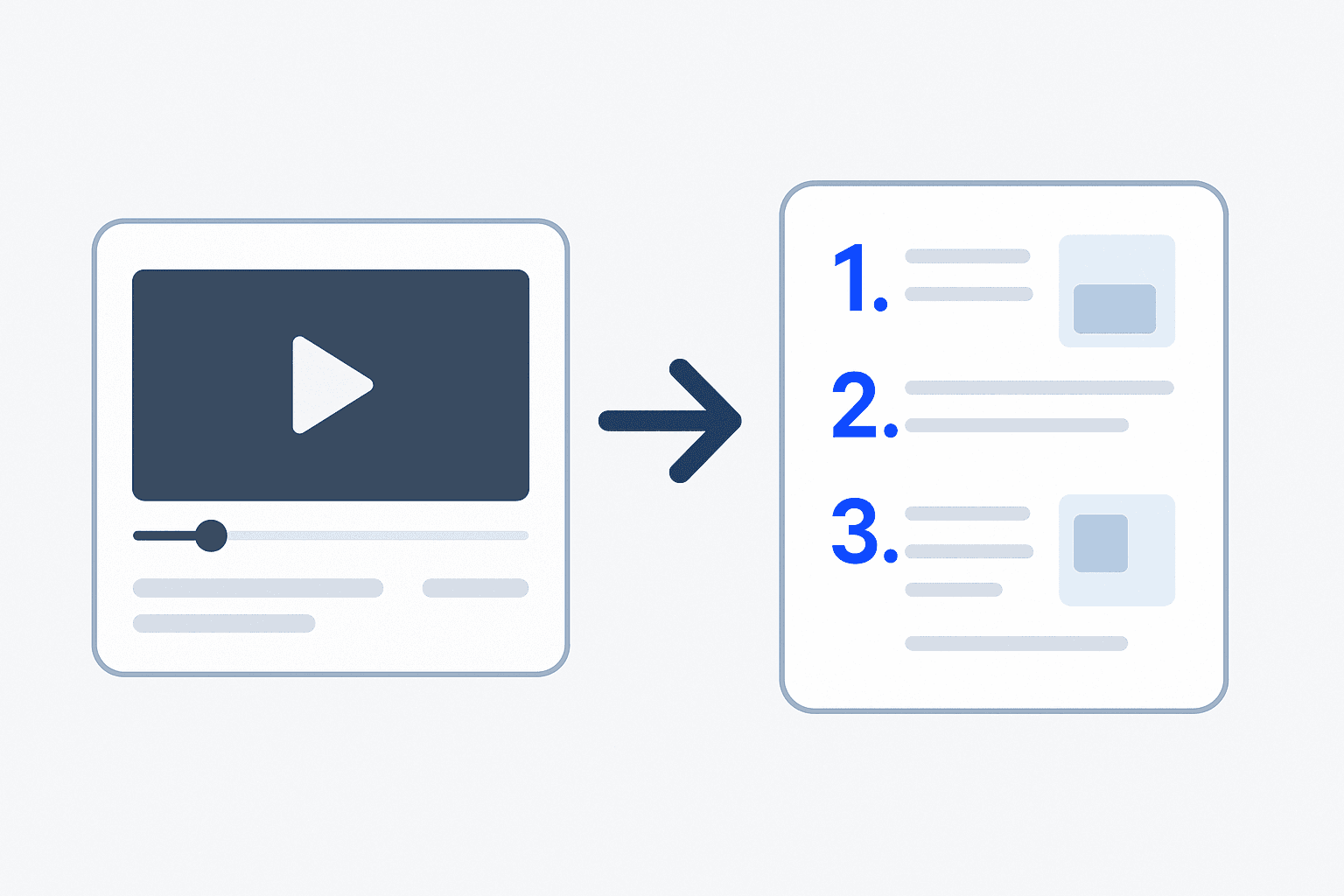
Instead of rewriting or re-recording, just upload the video you already made.
LimeSync automatically:
Generates step-by-step instructions
Captures screenshots at the exact moments you click or perform actions
Pulls text from your voice narration
Creates a clean, editable SOP
Makes it searchable inside your workspace
You get a full document in seconds, without typing a single sentence.
How It Works (Simple)
1. Record any video
You can use:
YouTube
Loom
Zoom
Teams
OBS
Mac/Windows screen recorder
Phone camera for physical processes
If it’s a video, LimeSync can turn it into a document.
2. Upload to LimeSync
Drag and drop.
No formatting.
No templates.
No manual screenshots.
3. Get a complete step-by-step document
LimeSync automatically:
Breaks the video into steps
Writes instructions
Takes screenshots
Organizes everything into a skimmable layout
4. Edit & share
Tweak steps, reorder them, add notes or compliance info — then share with your team.
Real Examples (This Is Where It Clicks)
📌 Example #1: YouTube Tutorial → Written Guide
Creators upload their own YouTube videos and get:
A downloadable guide
A blog post version
Steps they can share with clients or students
Perfect for coaches, course creators, and educators.
📌 Example #2: Loom or screen recording → SOP
Business teams upload walkthroughs like:
“How to create a new client in HubSpot”
“How to run payroll”
“How to approve refunds”
The result?
A clean, step-by-step SOP with screenshots.
📌 Example #3: ERP walkthrough → Training manual
NetSuite, SAP, Zoho, Odoo…
ERP systems change constantly.
Record once → LimeSync produces the whole training document.
📌 Example #4: Physical workflow video → Work instruction
Record your phone screen or real-world process:
Machine startup
Safety checks
Manufacturing steps
LimeSync turns it into clear work instructions.
Why LimeSync Beats Traditional Documentation Tools
Old Way | With LimeSync |
|---|---|
Rewatch video | Skim steps instantly |
Manual screenshots | Auto screenshots |
Manual writing | Auto text extraction |
Hard to update | Re-record → updated instantly |
Hard to find | Searchable knowledge base |
Inconsistent results | Standardized, clean SOP format |
Who This Is For
Teams who record lots of videos
Support, onboarding, ops, IT, HR, product, training.
Creators & YouTubers
Turn tutorials into downloadable guides or blog posts.
Agencies & freelancers
Send clients clean walkthrough documents without extra work.
Manufacturing & field ops
Convert phone-recorded processes into real SOPs.
Final Thoughts
Videos are great for teaching once.
Documents are great for teaching forever.
LimeSync is the bridge between the two.
Stop re-recording.
Stop rewriting.
Stop repeating yourself.
Turn your next video into a full document — instantly.
👉 Try LimeSync free today and create your first guide in seconds.